Whether you’re giving a sermon to a congregation or speaking at a school or community gathering, it is actually easy and affordable to record the audio from your speech.
Here’s an easy guide on how to professionally record and edit audio, from microphones and gear to editing software you'll love:
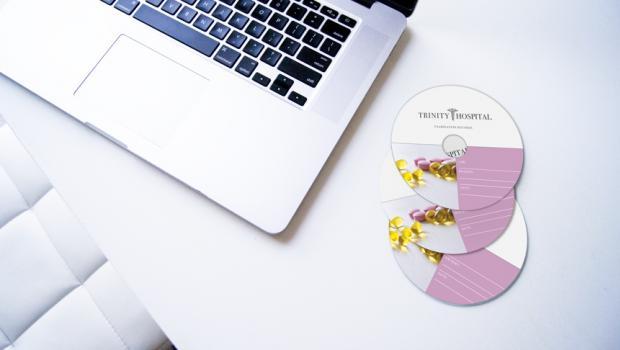
If you are a medical professional or an insurance provider, your business likely has to comply to federal regulations to properly secure electronic patient health information.
Patient data accumulates greatly, putting tremendous pressure on medical professionals to create safe data backups. In just 2010, it was estimated that the amount of data held by medical centers was nearly "1 billion terabytes of data."
This staggering amount of patient data of can seem overwhelming, but it doesn't have to be. Here's how you can easily make secure, affordable HIPAA Compliant data backups:
If you have a lot of images that you want to quickly prepare for CD Burning and data duplication, an easy solution is to batch edit and export your photos using Photoshop.
Here's an easy tutorial to guide you through the entire process...
Every week pastors spend time carefully cultivating their messages and sermons for their congregation. However, many are still missing opportunities to easily broaden their audience, as they don't share their sermons with the public or online.
Here are 5 ways you can use technology to expand your audience:
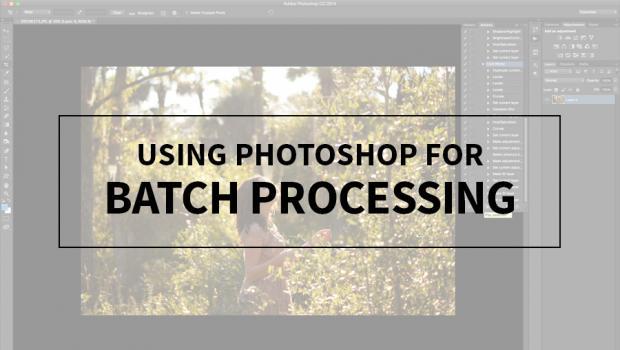
Do you have a lot of images that you only want to adjust lighting and color on? Try batch processing - it saves time and energy when you don't need to do detailed photo editing. Here's how to perform batch processing in Photoshop:
CD jewel cases remain relevant because they offer something streaming cannot: permanent ownership, physical artwork, and a tangible connection to music. Their future is likely to center on limited releases, marketing, collecting, and other situations where presentation and permanence matter.
A pre-packaged CD wallet combines disc production, printing, packaging, and assembly into one streamlined order. It is a practical choice for artists, churches, and businesses that want polished physical media without spending extra time assembling individual components.
A Digipak CD uses folded cardstock and an internal plastic tray to create a lightweight, retail-ready alternative to a jewel case. Its production combines careful artwork setup with precise printing, cutting, folding, tray placement, and optional disc assembly.
This website uses both technical and third party profiling cookies to enhance your shopping experience. By proceeding, you agree to the use of these cookies. Please read our Cookie Policy page for more information about how we use this information.